

WikiFeetX can feel like a lot the first time you open it. There are millions of photos, thousands of profiles and a rating on almost everything. This beginner's guide shows you how to find your way around in a few minutes. Just remember that WikiFeetX is for adults aged 18 and over.
What WikiFeetX Is (and Is Not)
WikiFeetX is the uncensored side of the WikiFeet network. It works like a wiki: fans upload the photos, add details such as shoe sizes and rate every gallery with stars. No editor decides what appears.
The original WikiFeet launched in 2008 and has stayed safe for work ever since. WikiFeetX uses the same community model for the galleries that are not allowed there. If you are unsure which site is which, our WikiFeetX vs WikiFeet comparison lays out the differences side by side.
Step 1: Start With Search
New visitors tend to scroll the homepage. Regulars go straight to the search bar, because it is the fastest way to reach a specific star.
Search by name. Type a celebrity's name and you land on their page, with every photo and rating in one place.
Browse by category. Not sure who to look up? Category and alphabet views are made for wandering.
Looking for male stars? Actors, athletes and musicians are covered too, in the men's section.
Step 2: Learn to Read the Stars
Every gallery carries a score from one to five stars. Members vote, and all the votes combine into a live average, so the number you see is simply what the community thinks.
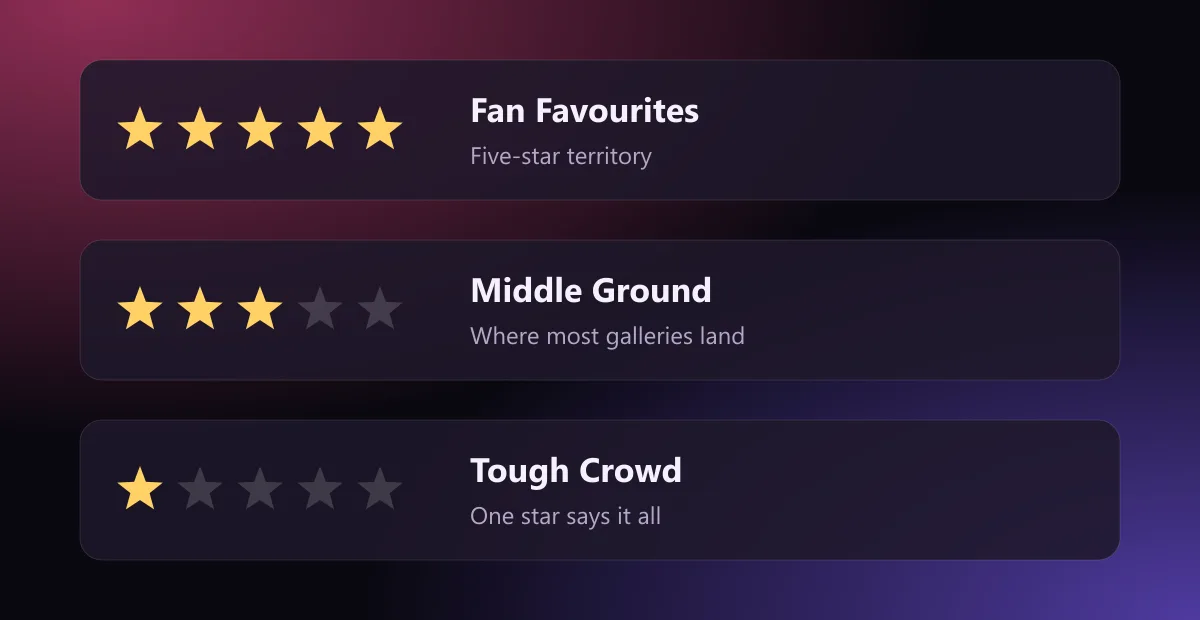
Five stars are the fan favourites that almost every voter agrees on.
Three stars are the middle ground, where most galleries honestly land.
One star means a tough crowd. Fans do not fake their scores.
Tip: sort any list by rating and the galleries fans love most rise straight to the top. It saves a lot of clicking.
Step 3: Add Your Own Vote
The ratings only work because people take part. When you rate a gallery, your stars feed into the average and help keep the rankings honest for the next visitor. Trending pages then show what fans are enjoying right now, so it is worth checking them when you want something new.
Step 4: Browse on Any Device
There is no app to install. WikiFeetX opens in any mobile browser, pages load quickly and the dark layout is easy on the eyes late at night. Whether you are on a phone, a tablet or a desktop, you get the same full collection.
Quick Answers for Beginners
Is WikiFeetX free?
Yes. There are no subscriptions, paywalls or locked galleries.
Do I need an account to browse?
No. Anyone can browse the full collection without signing up.
Is it the same as WikiFeet?
Not quite. Both come from the same community, but WikiFeet stays safe for work while WikiFeetX hosts the uncensored galleries.
Ready to Explore?
Search first, follow the stars and browse wherever you like. Those three habits are all it takes to use the site like a regular.
Still have questions? Read the WikiFeetX FAQ for quick answers.